Short description
Duo Trackpad turns an iPhone or iPad into a trackpad for your Mac. Move the pointer, click, scroll, and use familiar gestures. Add optional media controls, app launchers, and shortcuts to the same surface.
Duo Trackpad brings Mac pointer control to the iPhone or iPad screen. Find the product facts, ready-to-use descriptions, screenshots, and six approved icon appearances below. For press inquiries, please email support@duotrackpad.com.
Duo Trackpad turns an iPhone or iPad into a trackpad for your Mac. Move the pointer, click, scroll, and use familiar gestures. Add optional media controls, app launchers, and shortcuts to the same surface.
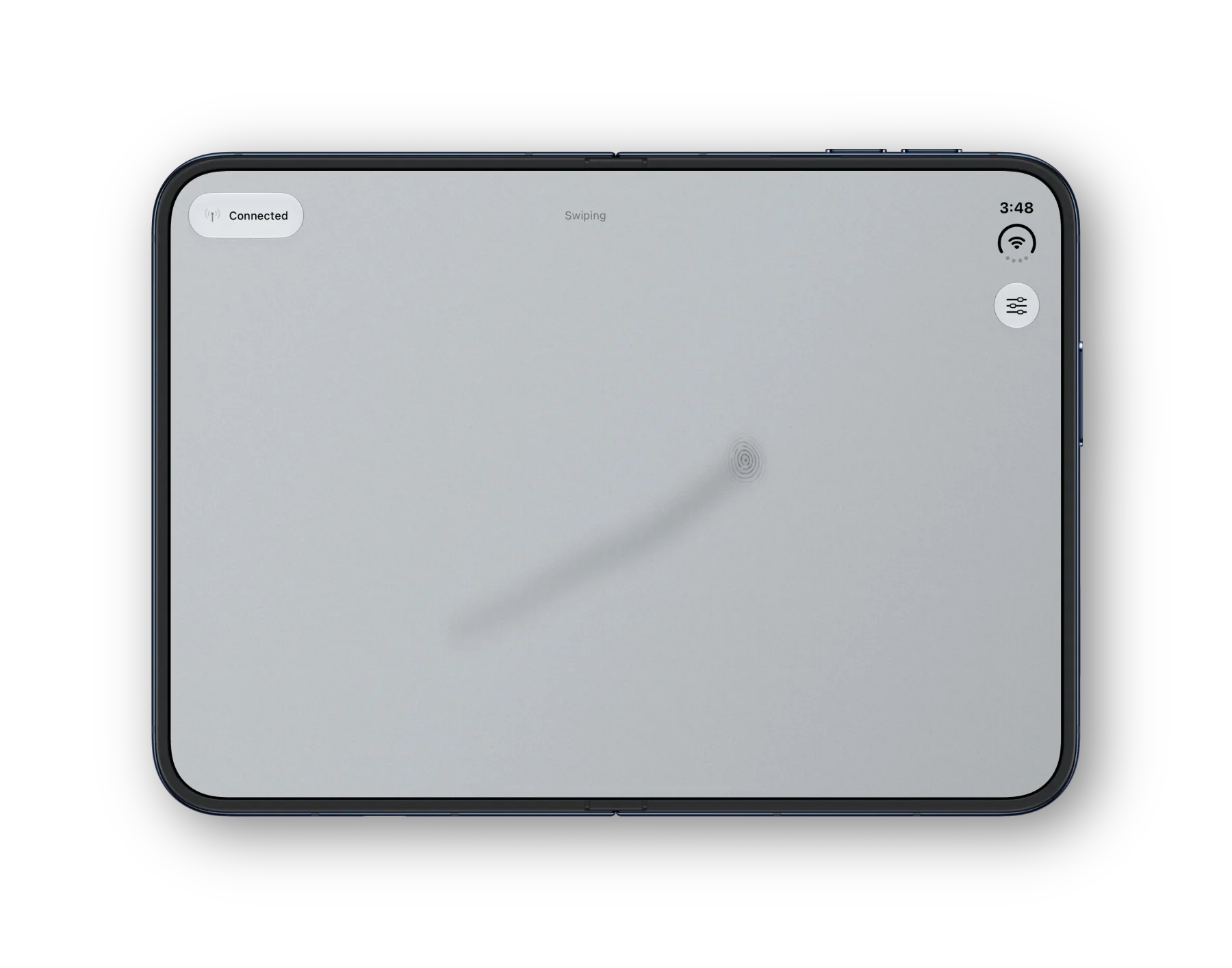
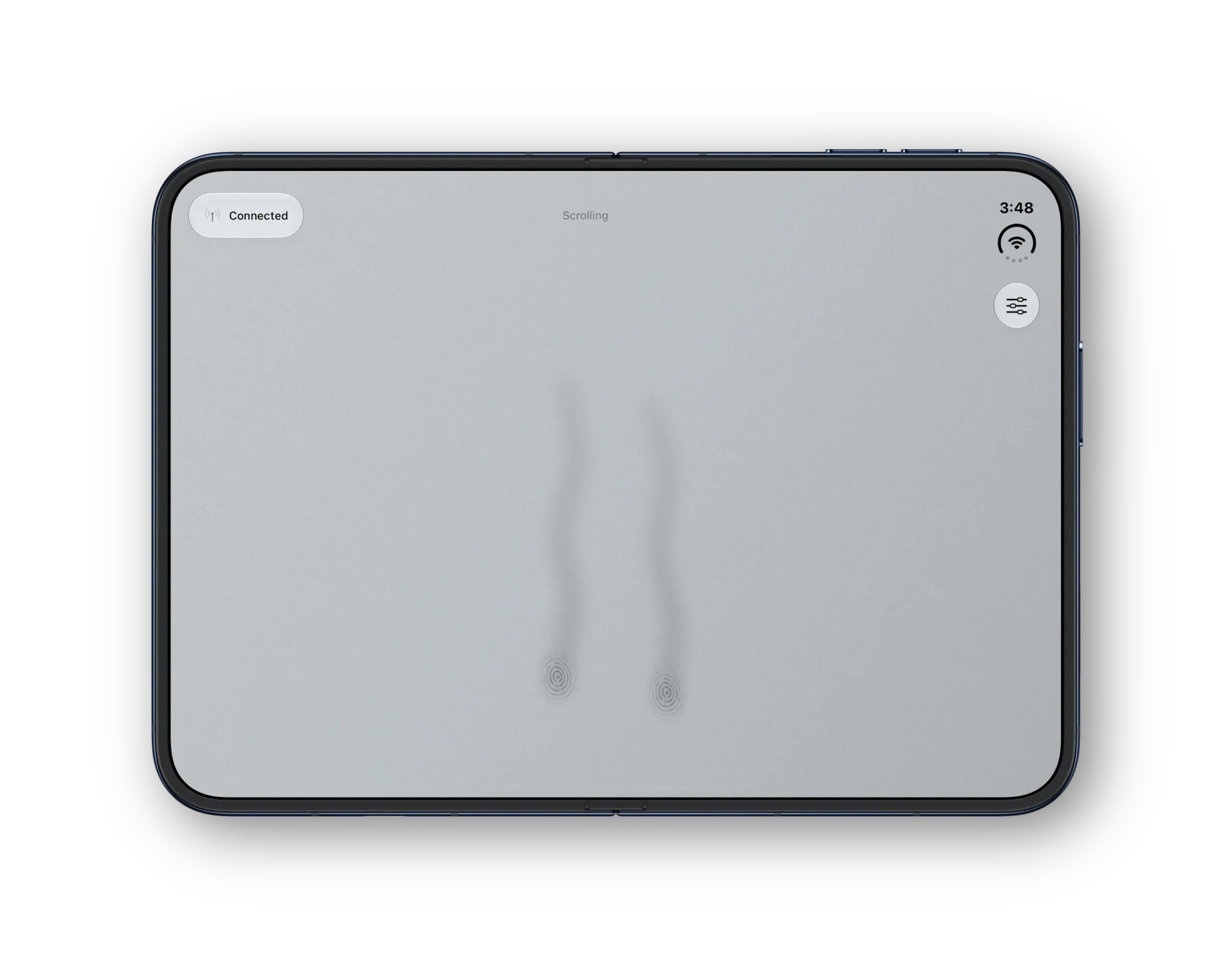
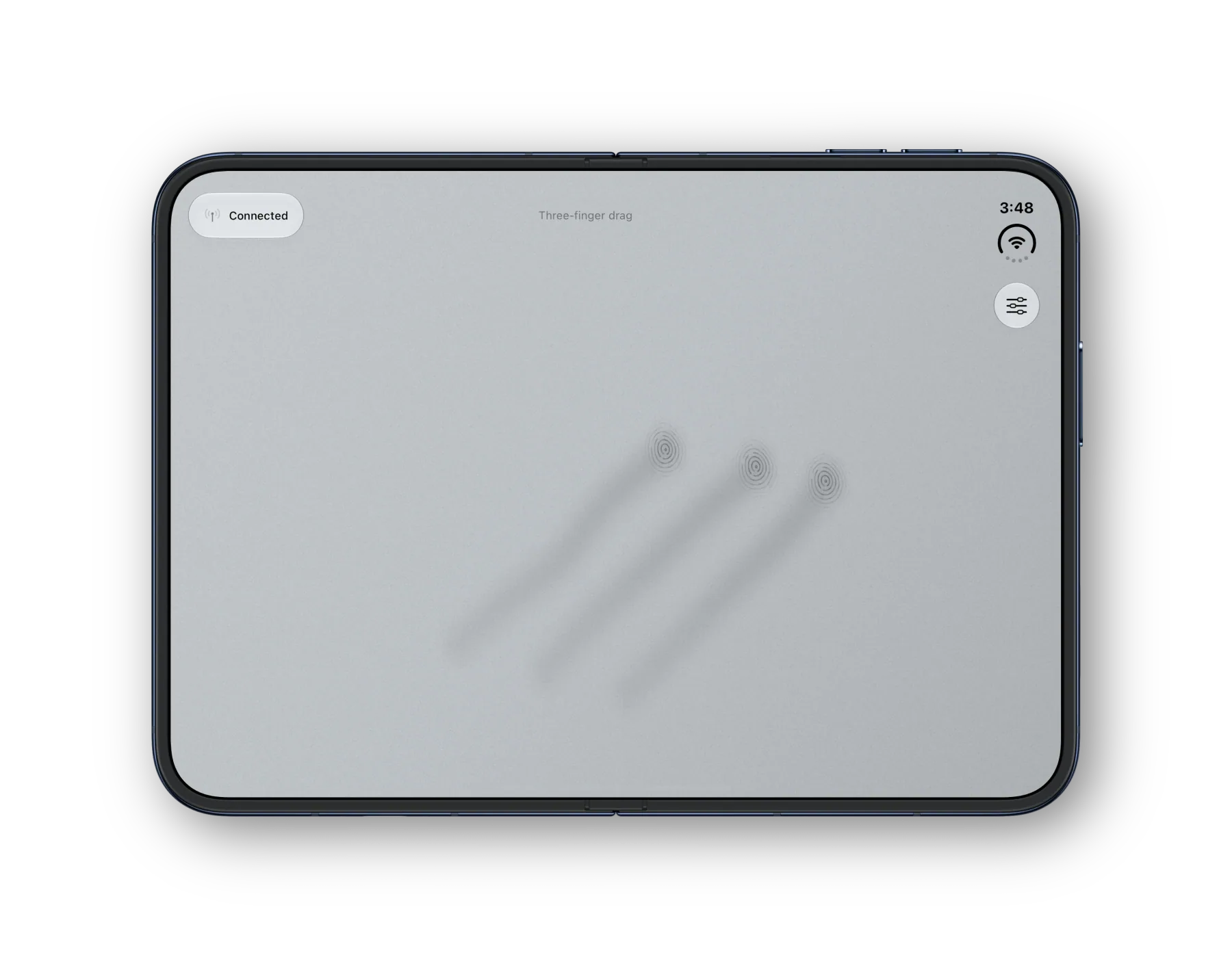
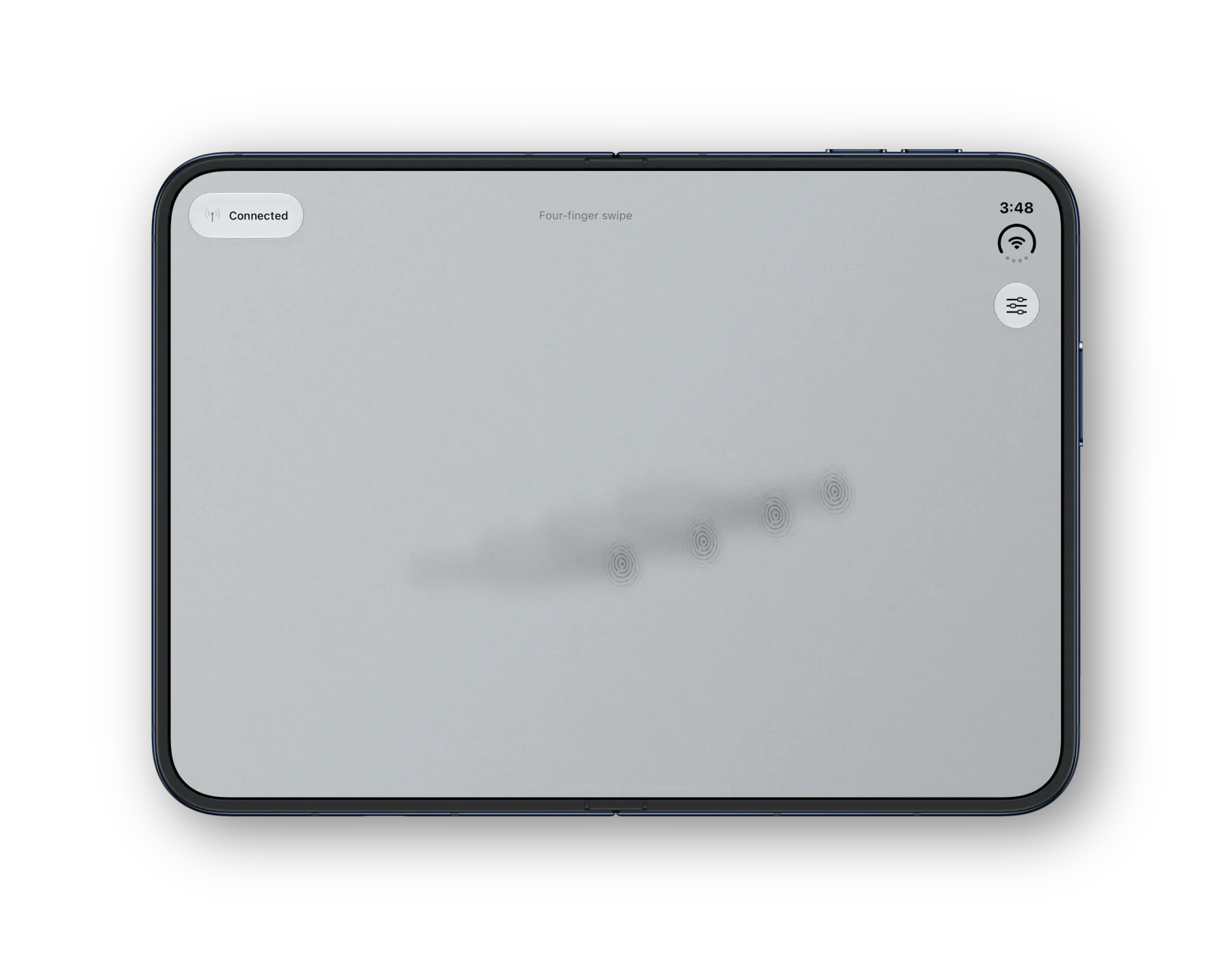
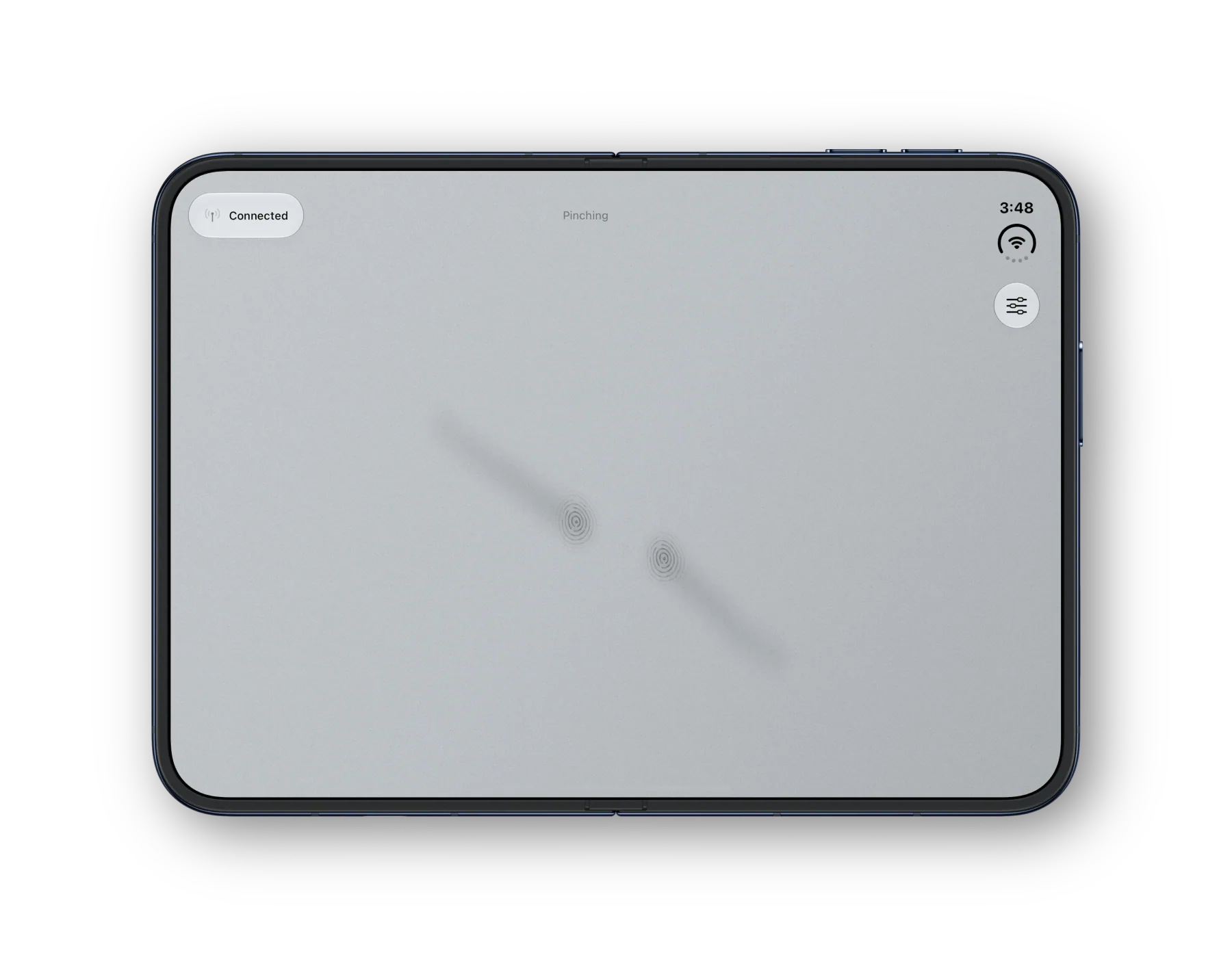
Duo Trackpad pairs an iPhone or iPad with a Mac menu bar companion. It offers pointer control, clicking, and two-finger scrolling, plus Premium gestures such as three-finger drag, four-finger swipes for Mission Control or Spaces, and pinch zoom in supported apps. Choose from five surface materials and connect over Wi-Fi, Bluetooth, or a supported USB network connection.
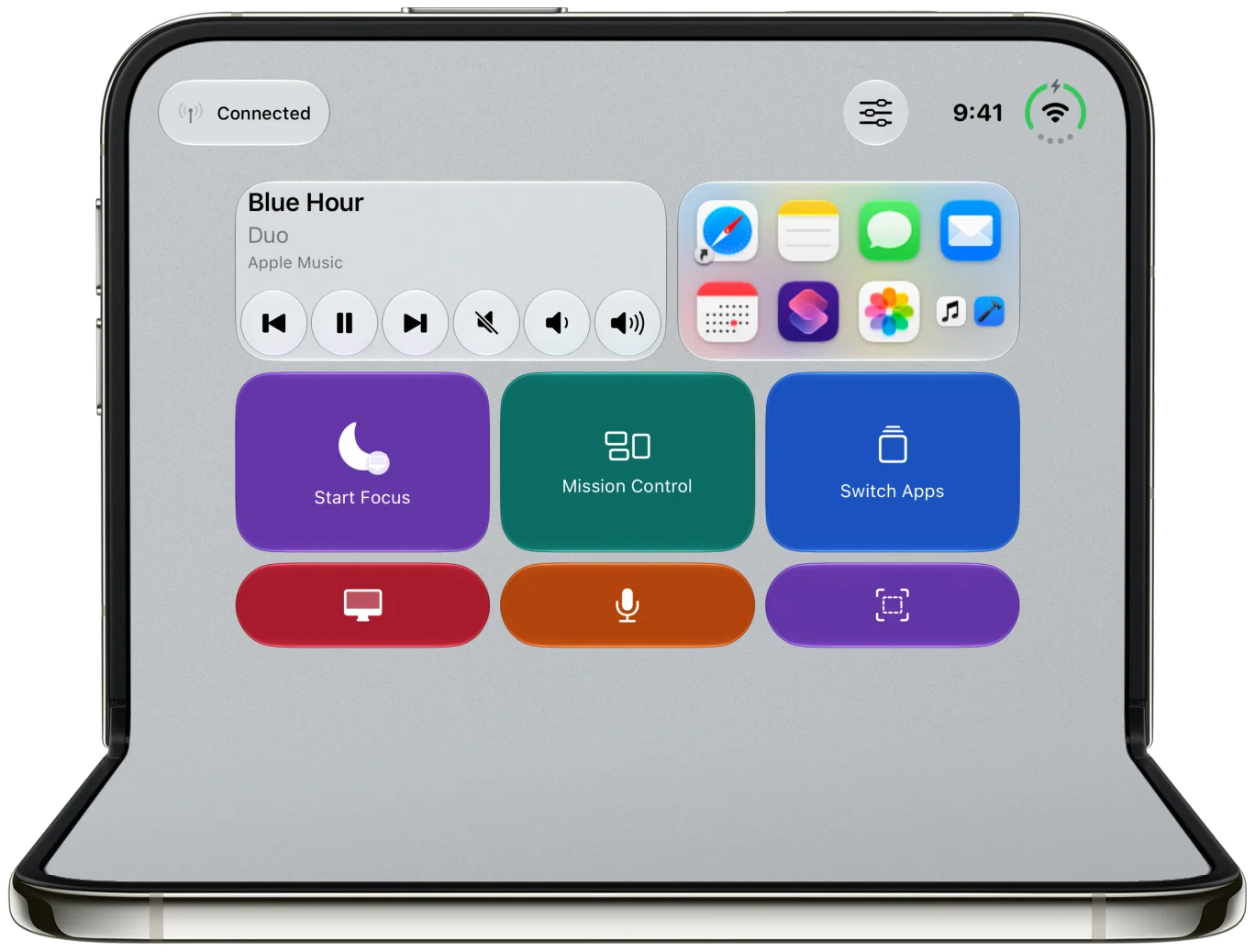
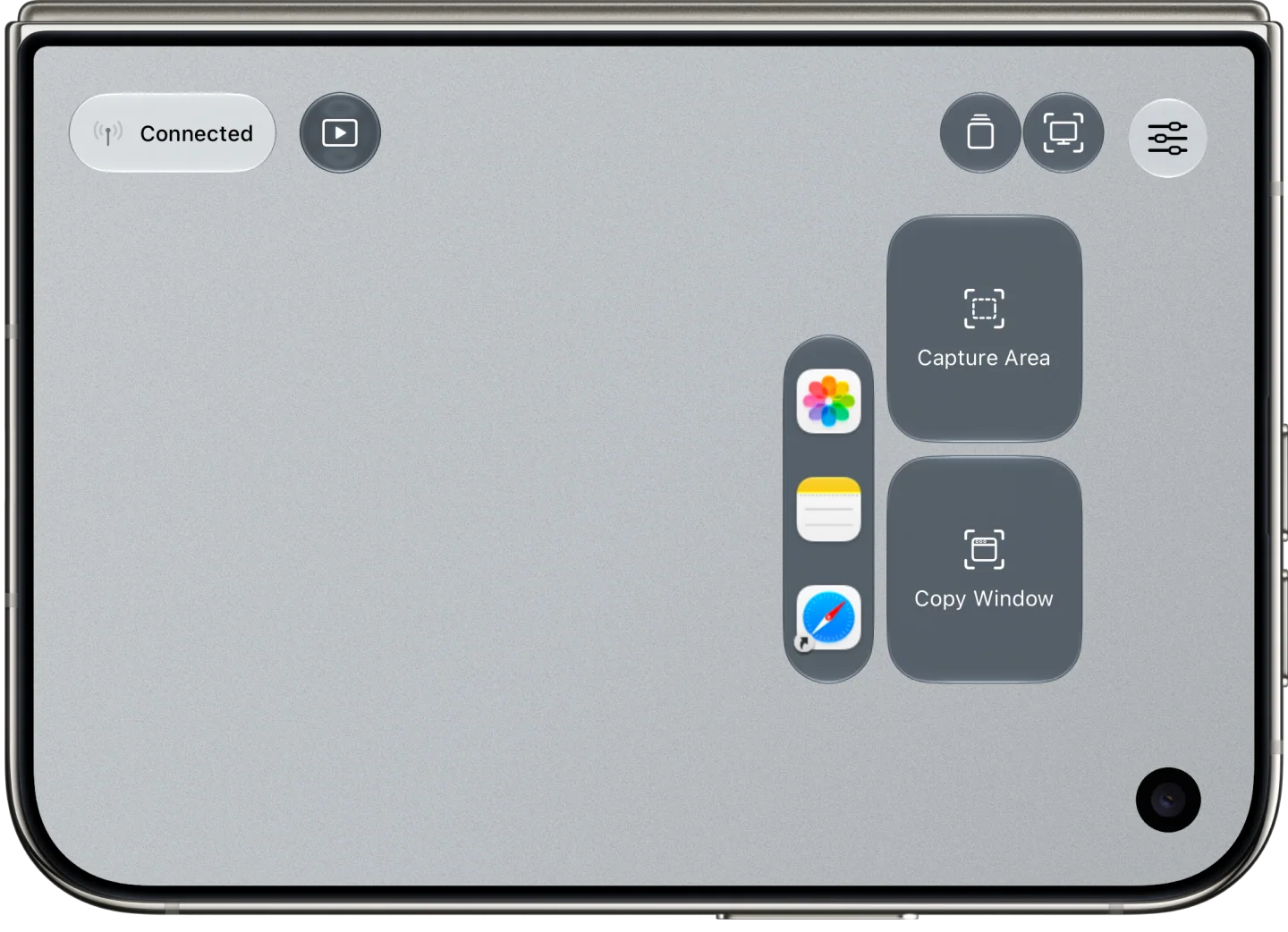
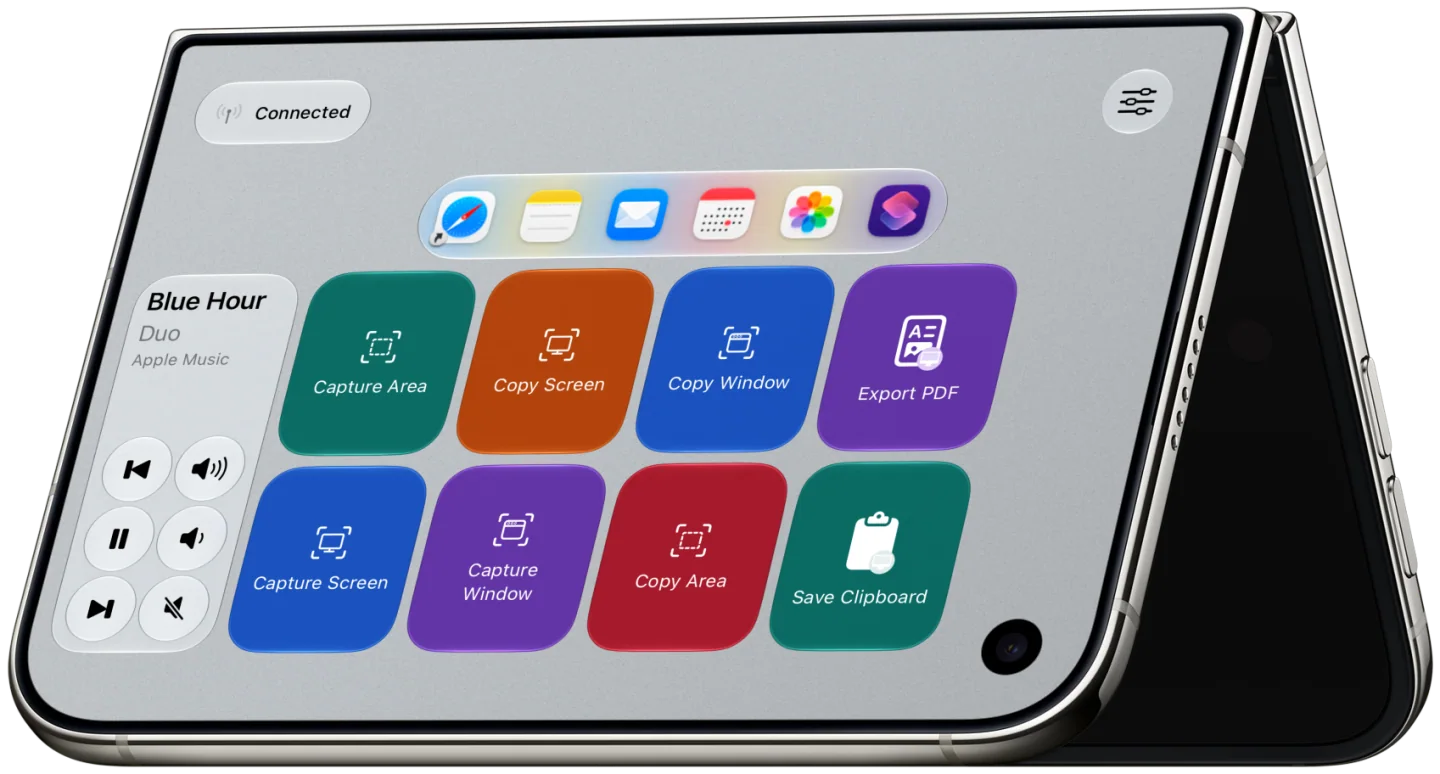
With Premium, place media controls, app launchers, and buttons that run Mac shortcuts alongside the trackpad. Save named layouts for different workflows and choose which layout opens in each supported iPhone Duo pose.
Browse framed gesture examples and control layouts by device and material. Look for the control layouts with the landscape examples, including laptop and tent poses on iPhone Duo. The ZIPs contain full-resolution WebP images.
Download all six appearances together or choose an individual 1024 × 1024 PNG below.
All app iconsDefault, Dark, Clear, and Tinted appearancesDownload ZIP ↓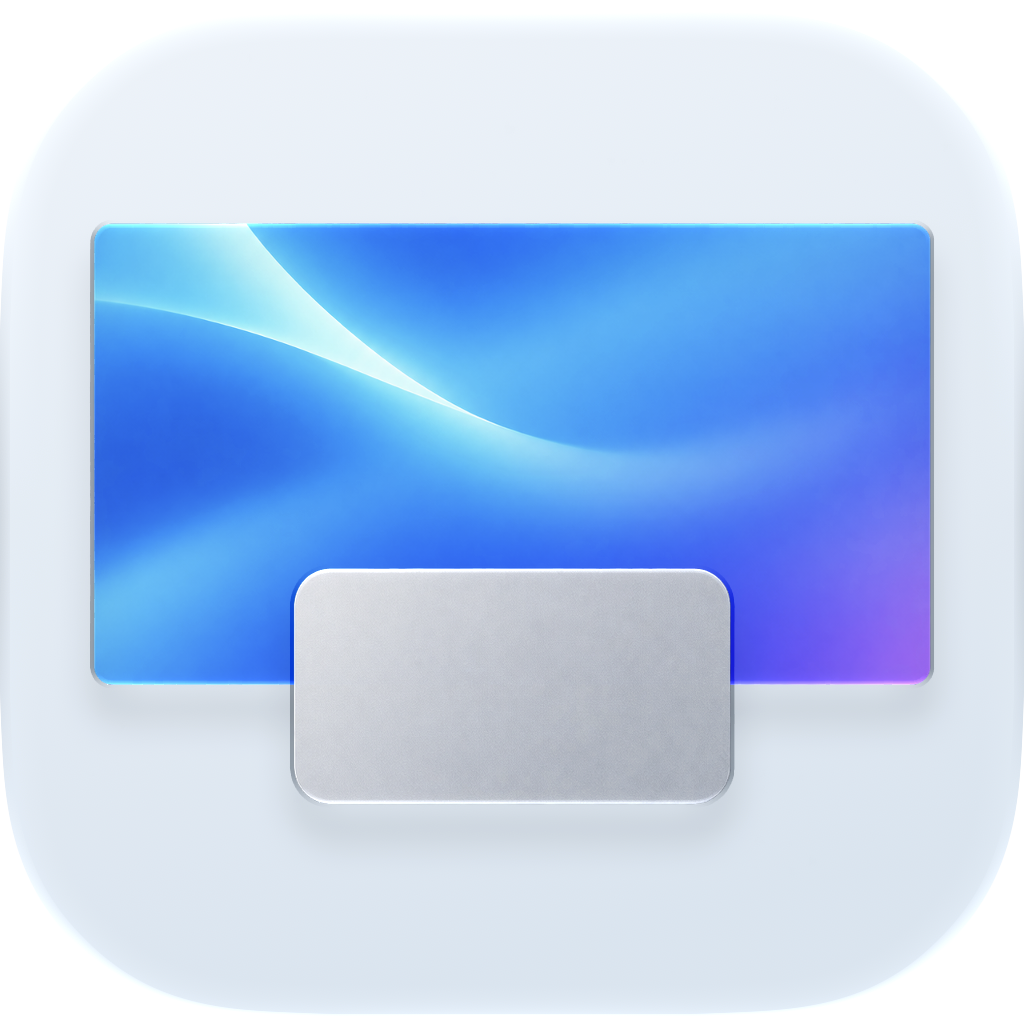 DefaultFull-size PNG ↗
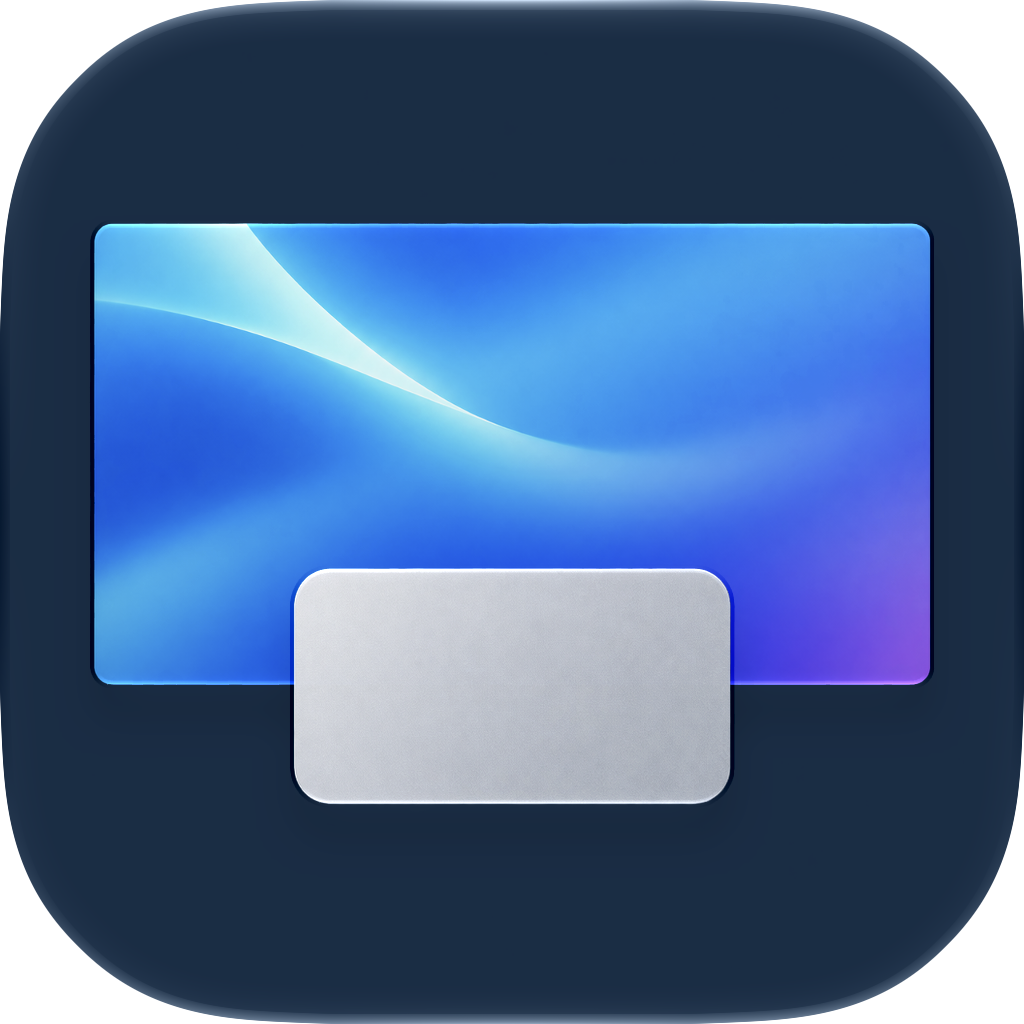 DarkFull-size PNG ↗
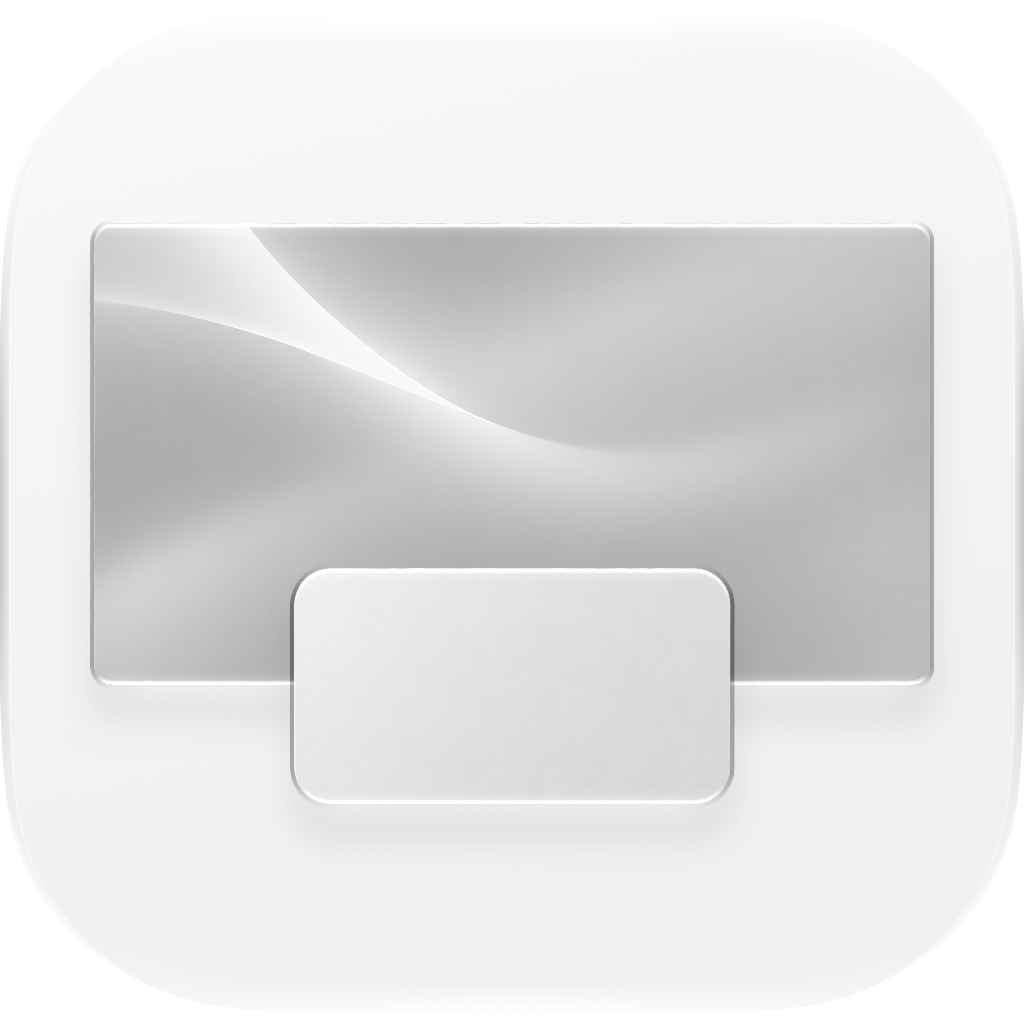 Clear LightFull-size PNG ↗
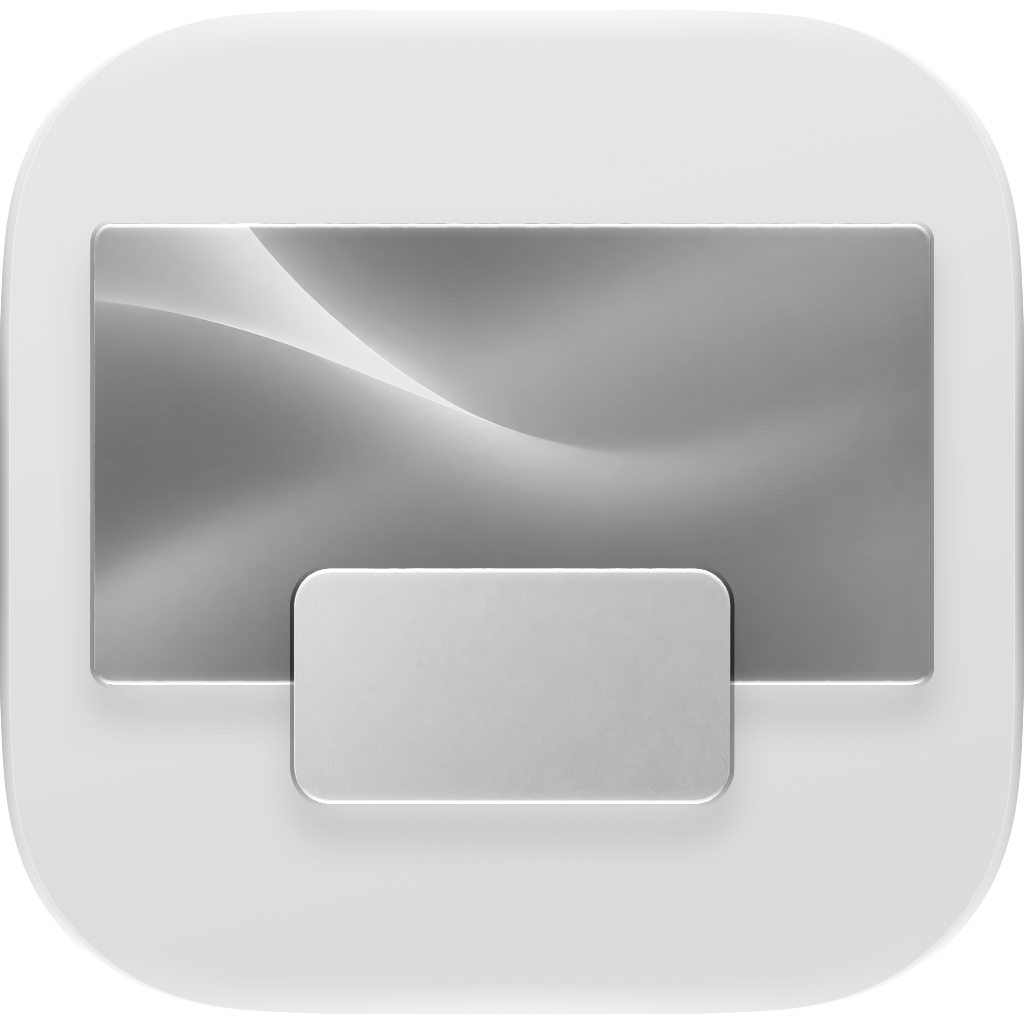 Clear DarkFull-size PNG ↗
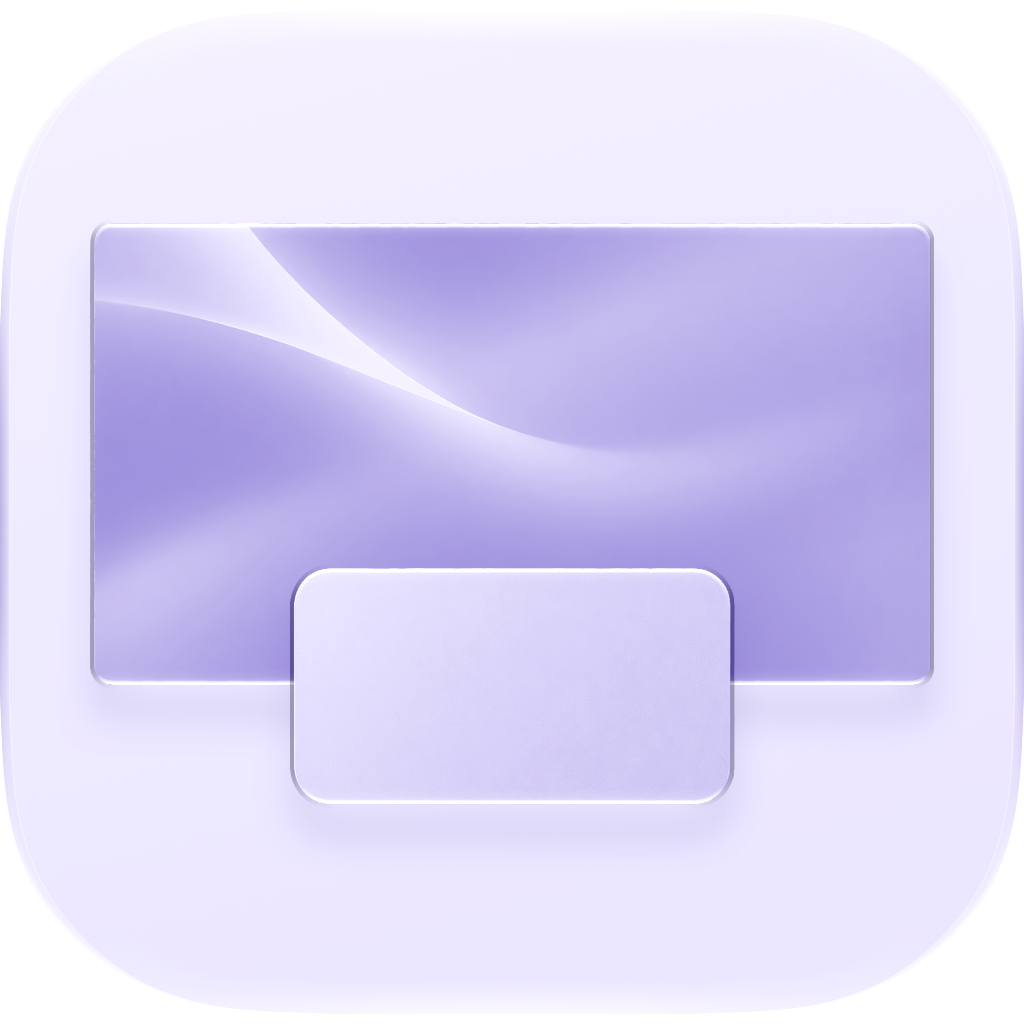 Tinted LightFull-size PNG ↗
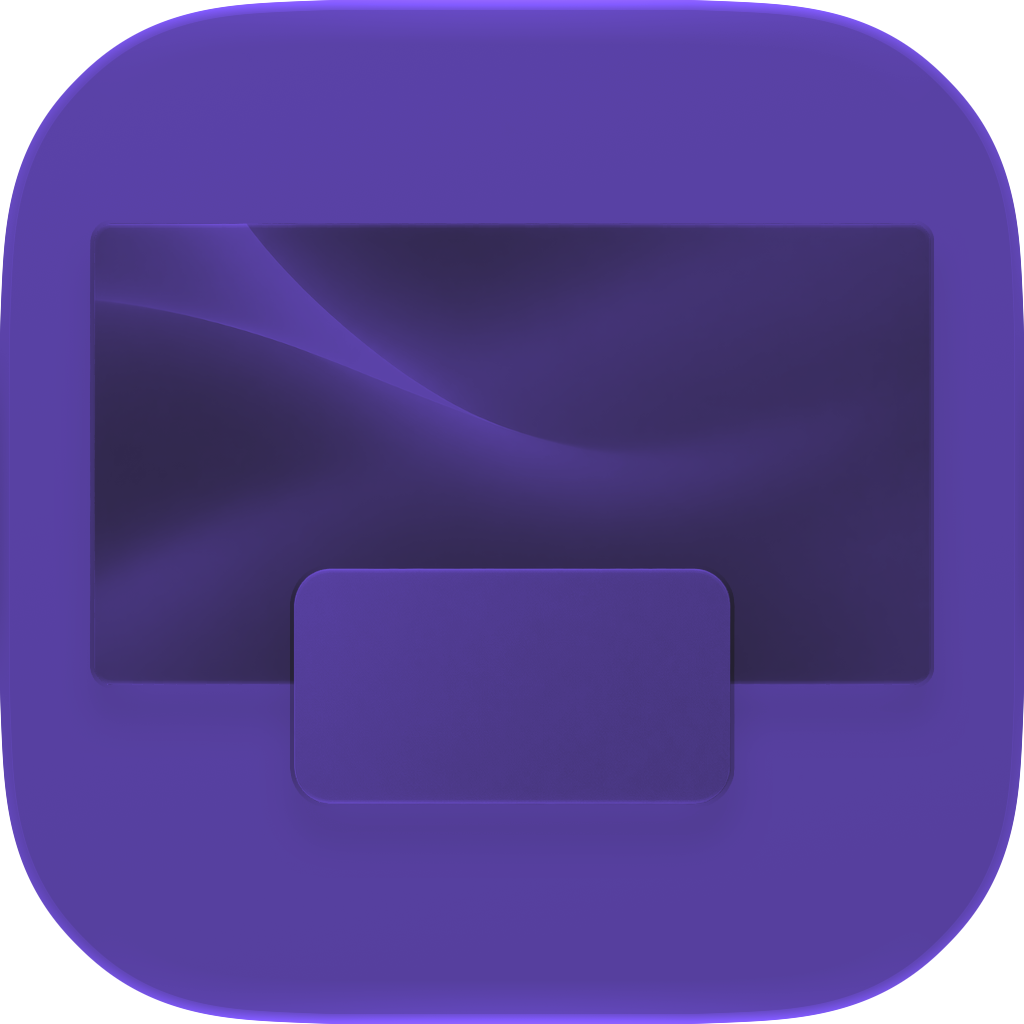 Tinted DarkFull-size PNG ↗
Editorial use is welcome with credit “Duo Trackpad / CoreBits LLC.” Please keep the artwork intact and avoid depicting features or app screens that differ from the released product.